
Ebook · On-device
FB2 to EPUBon iPhone and iPad.
FB2 is a popular ebook format, but Apple Books and many e-readers don't open it. Fileroom converts FB2 to EPUB on your device, keeping the chapters, title and author.
Free to download — no account, no uploads.
Why convert FB2 to EPUB?
- EPUB opens in Apple Books and most reading apps.
- Chapters stay in order, with title and author metadata.
- Build a library that works on all your devices.
- Your books stay on your device.
How to convert FB2 to EPUB
- 01
Choose the ebook
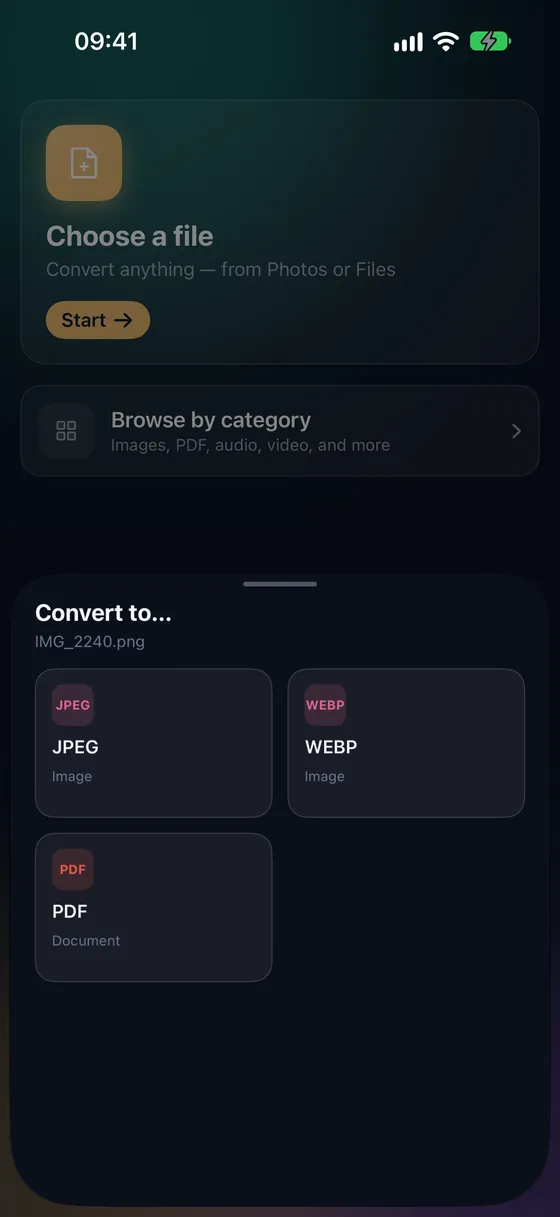
Open Fileroom, tap Choose a file and pick the FB2 from Files.
- 02
Tap EPUB
Pick EPUB from the list of formats.
- 03
Convert and read
Tap Convert, then share the EPUB to Apple Books or your favorite reader.
Frequently asked
- Can I convert EPUB to FB2 too?
- Yes — Fileroom converts in both directions.
- Can I get a PDF instead?
- Convert FB2 to EPUB first, then EPUB to PDF for printing or annotating.
Related conversions
Now on the Mac App Store
Fileroom, on your Mac.
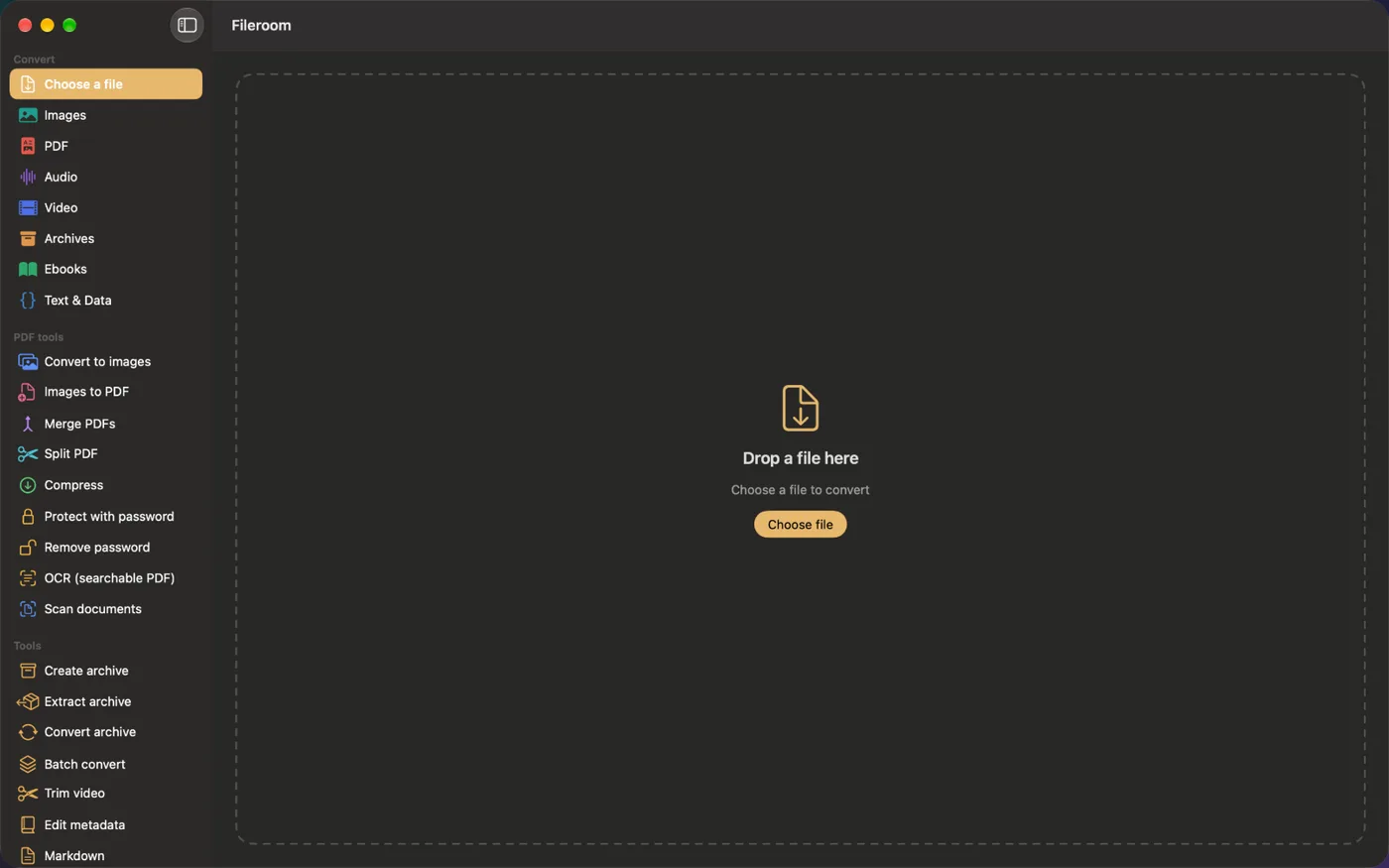
A native Mac app with every converter and PDF tool — drag files onto the window, batch whole folders, or convert right from Finder.
- Drag & drop onto the window
- Finder Quick Action
- One purchase for iPhone, iPad and Mac
Try Fileroom on your iPhone.
iPhone, iPad and Mac on the App Store, Android on Google Play — every format pair, all on-device.
Want new features early? Join the TestFlight beta
On Android? Get it on Google Play